
Yourself in the Party Scene
The classic version: you as the host at the head of the table, cup up, crowd cheering behind you.
Pick the party-scene template, upload one photo, and get your own clip — chandelier room, silver cup, cheering crowd and all. No filming, no editing, no app to install.
What every Burning Bridges AI video from BurningBridge comes with, in one table.
| Spec | BurningBridge |
|---|---|
| Input | 1 photo of a person, pet or character (JPG, PNG or WebP, up to 15 MB) |
| Length | 5-second preview or 15-second full clip |
| Aspect ratio | 9:16 vertical or 16:9 wide |
| Resolution | 480p (preview and 15-second clip), 720p (15-second HD) |
| Watermark | None |
| Audio | Not included — add the sound when you post |
| Generation time | Usually 3–8 minutes |
| Prompt needed | No |
| Subscription | No — pay per video, from $6.99 |
| Failed render | Credits refunded automatically |
| Credits validity | 1 year |
Four real runs: the photo we uploaded on the left, the clip it became on the right.
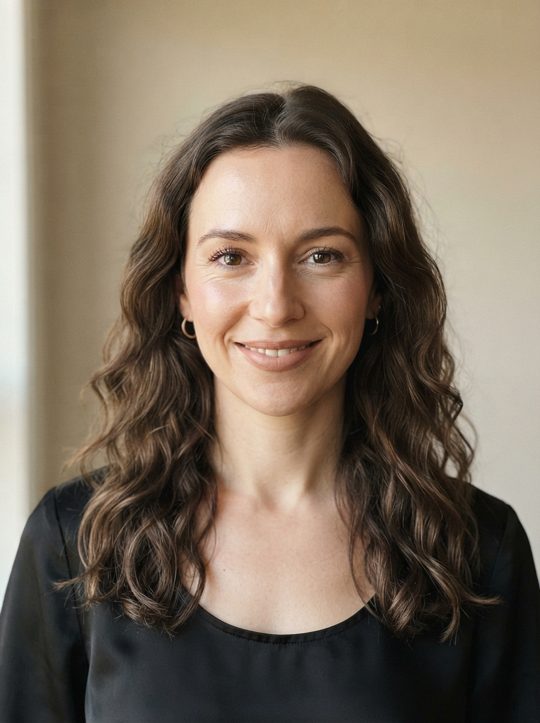
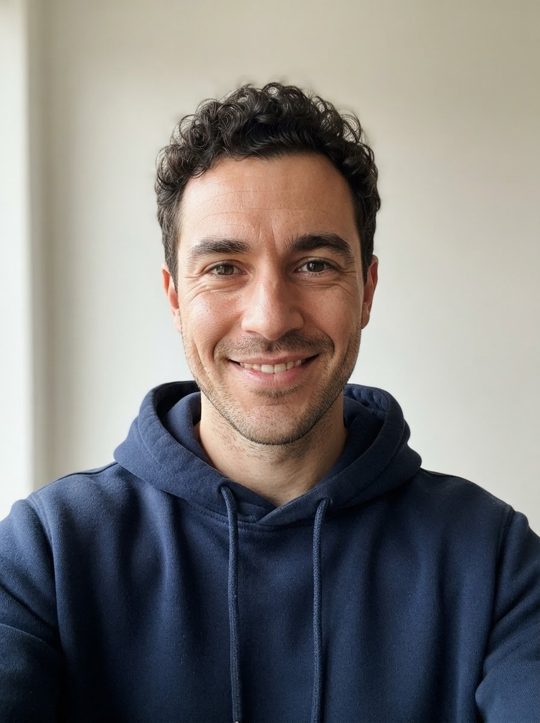
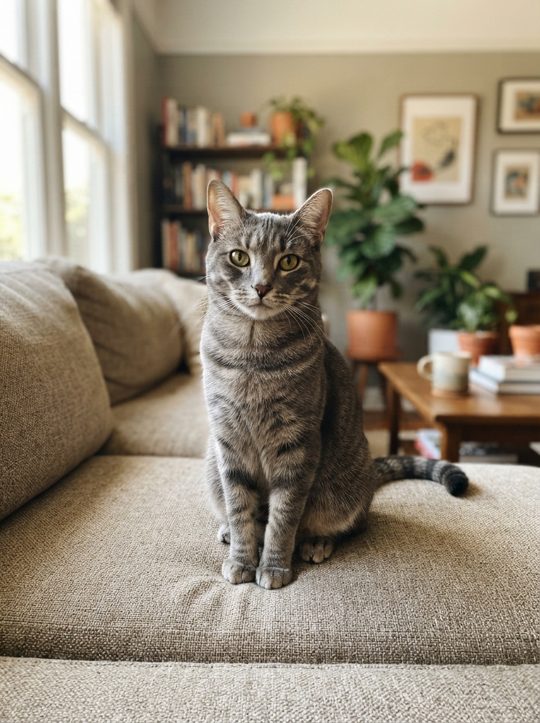
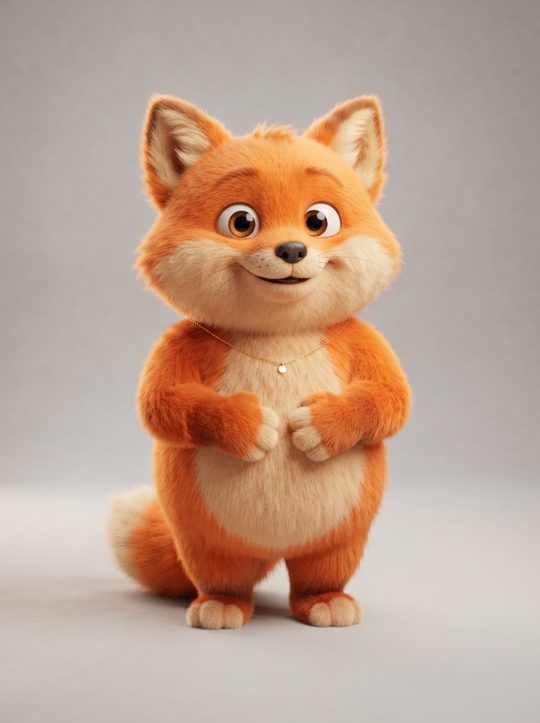
Drake's Burning Bridges music video has a late-night party scene the internet couldn't leave alone: a packed private dining room under crystal chandeliers, a host with a silver cup playing to a handheld camera, friends raising their drinks behind him, and that hand-over-the-eyes "where she at?" look across the room.
Since late September 2026, people have been putting themselves, their dogs and their favorite characters at the center of that moment with AI, then posting the results to TikTok, Reels and X. The appeal is simple: everyone wants to see their own version of the party.
A Burning Bridges AI video is your version of that scene. BurningBridge builds it from one photo. We keep a party room, crowd and camera moves that our own AI created, and swap in whoever is in your picture as the host. Nothing from the music video is used and the song isn't included — you add the sound when you post.
The classic party scene is preselected. Switch to the pet or character version if the star of your clip isn't a person — the room, crowd and camera moves stay the same.
A clear, front-facing photo in good light works best. One subject per photo: one person, one pet or one character. That single picture is the only thing you provide.
Choose vertical 9:16 for TikTok, Reels and Shorts, or 16:9 for YouTube and X. A 5-second preview is usually ready in 3–5 minutes and a 15-second clip in 4–8, and you can close the tab while it runs. When you post, add the Burning Bridges sound from the app’s music library and switch on the AI-generated label.
Every 15-second clip follows the same beats as the trend, with your subject as the host. The 5-second preview is a short cut of the same scene.
The handheld camera pushes through the crowd under the chandeliers and finds the host.
The host raises the silver cup straight at the lens, a toast to whoever is watching.
A loose point-and-bounce while guests cheer and raise their drinks behind.
One hand goes flat above the eyes and the host scans the room — the signature move.
The crowd closes in around the host, cups go up, and the clip ends on the party.
One party scene, a few ways to cast it. Pick a template and it loads straight into the generator above.
The classic version: you as the host at the head of the table, cup up, crowd cheering behind you.
Dogs and cats take the head of the table. The pet version is one of the most shared takes on the trend.
Original characters, mascots and AI-generated people — use art you made or have the rights to.
Two people sharing the spotlight, toasting the camera together. Coming soon.
Coming soonThe same party, dressed for Halloween and the holidays. Coming soon.
Coming soonA selfie or a half-body shot is enough. Your face, hair and outfit carry through every beat of the clip.
Dogs, cats and the occasional rabbit. Make sure the whole head and both eyes are visible in the photo.
A mascot, an OC or an AI-generated person. Clean, front-facing art gives the most consistent result.
We tested eight kinds of photo, including the ones that fail — see the side-by-side results.
These are the shot descriptions our scene is built on, written so they work in any AI video app. Copy one and swap in your own details.
Late-night private dinner party in a dark wood-paneled room lit by crystal chandeliers, warm amber light. A handheld camera pushes through a packed crowd in dark clothes and finds the host at the head of the table, holding a silver cup. The host smiles at the lens and raises the cup toward the camera. Guests behind raise their drinks and cheer. Slight handheld shake, shallow depth of field, cinematic night look.
Medium close-up of the host in the same chandelier-lit room. The host lifts one hand flat above the eyes like a visor and slowly scans the room from left to right, then grins back at the camera. Friends lean into frame laughing. Warm tungsten light, light haze, handheld.
A golden retriever sits at the head of a long dinner table under crystal chandeliers, a small silver cup in front of it. Guests in dark clothes clap and laugh in soft focus. The dog tilts its head toward the handheld camera. Warm amber light, playful, cinematic.
Vertical 9:16. The camera starts on the chandelier, tilts down through the crowd and lands on the host mid-toast with the silver cup raised. Warm amber grade, light haze, handheld energy, crowd cheering behind.
Pay per video — no subscription, nothing renews. Failed renders are refunded automatically.
1 Video
One 15-second Burning Bridges video at 480p.
3 Videos
Three 15-second videos — you, your pet and a friend.
8 Videos
Eight 480p videos, or three in 720p HD.
It's a short AI-generated clip that puts you, your pet or a character at the center of a chandelier-lit party scene — the look that spread across TikTok and Reels as the Burning Bridges trend. You upload a photo and the AI rebuilds the scene around your subject.
More one-photo video templates are on the way: